Welcome to Aspen Health
Three steps to your first visit:
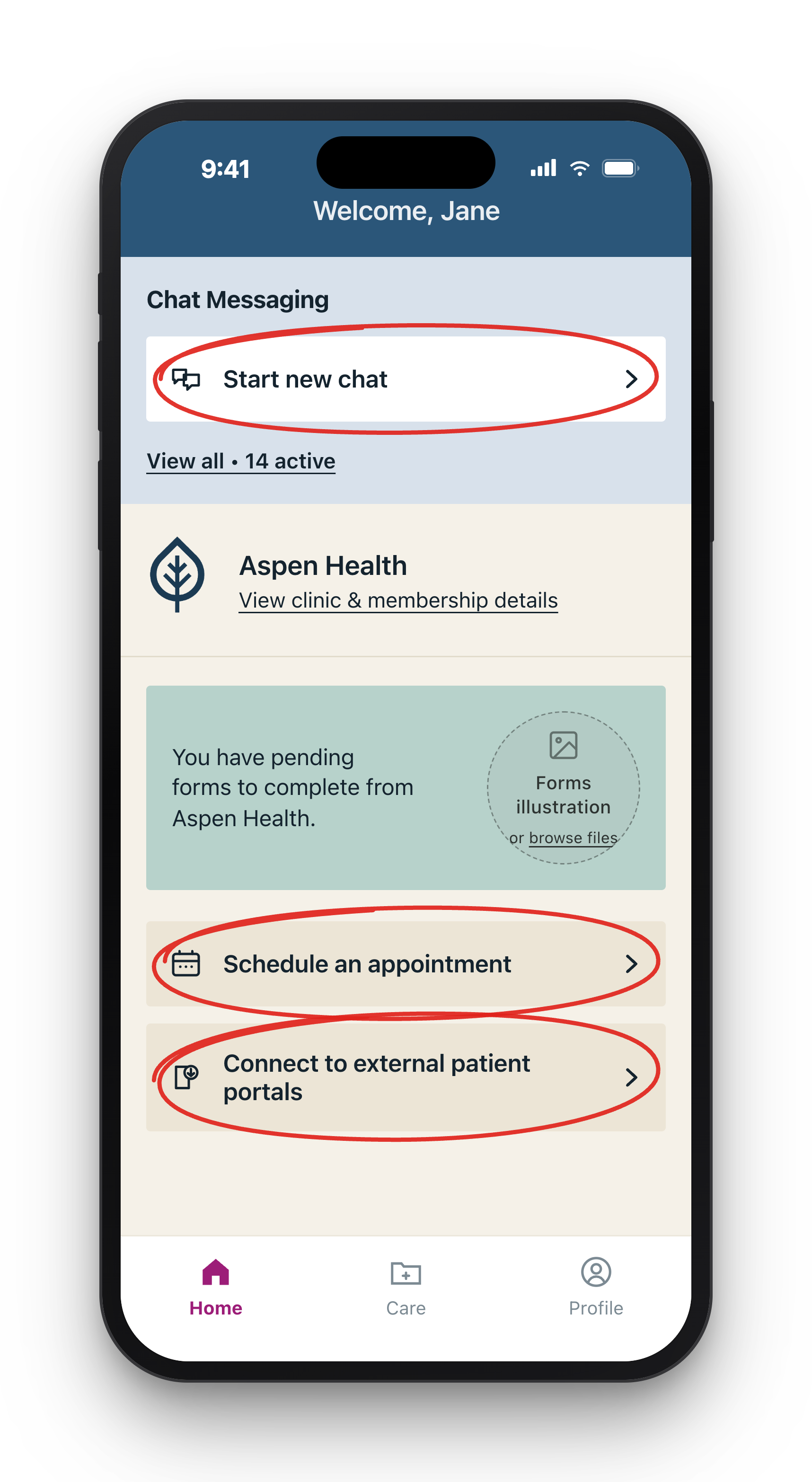
1. Log in. SigmaMD emailed you a registration code — use it in the SigmaMD Patient app or web portal (links found on Member Login page). Everything happens here: messaging, scheduling, records.
2. Book your first visit. Tap "Schedule an appointment" from the SigmaMD Patient app.
3. Fill out your history. You'll get a form link after booking — use a PC or laptop to open this email. Attach test reports as PDFs via chat and/or pull records from other providers with "Connect to external patient portals."
Questions? Message us in the portal or email info@aspen.health.
We're glad you're here.